Diagnosing Hidden API Bottlenecks and DNS Latency
When your database is fast and CPU is low, but API responses take 800ms, the bottleneck is hiding in the network. Here is how we found and fixed it.
Umar Farooq
System Architect & Full-Stack Engineer
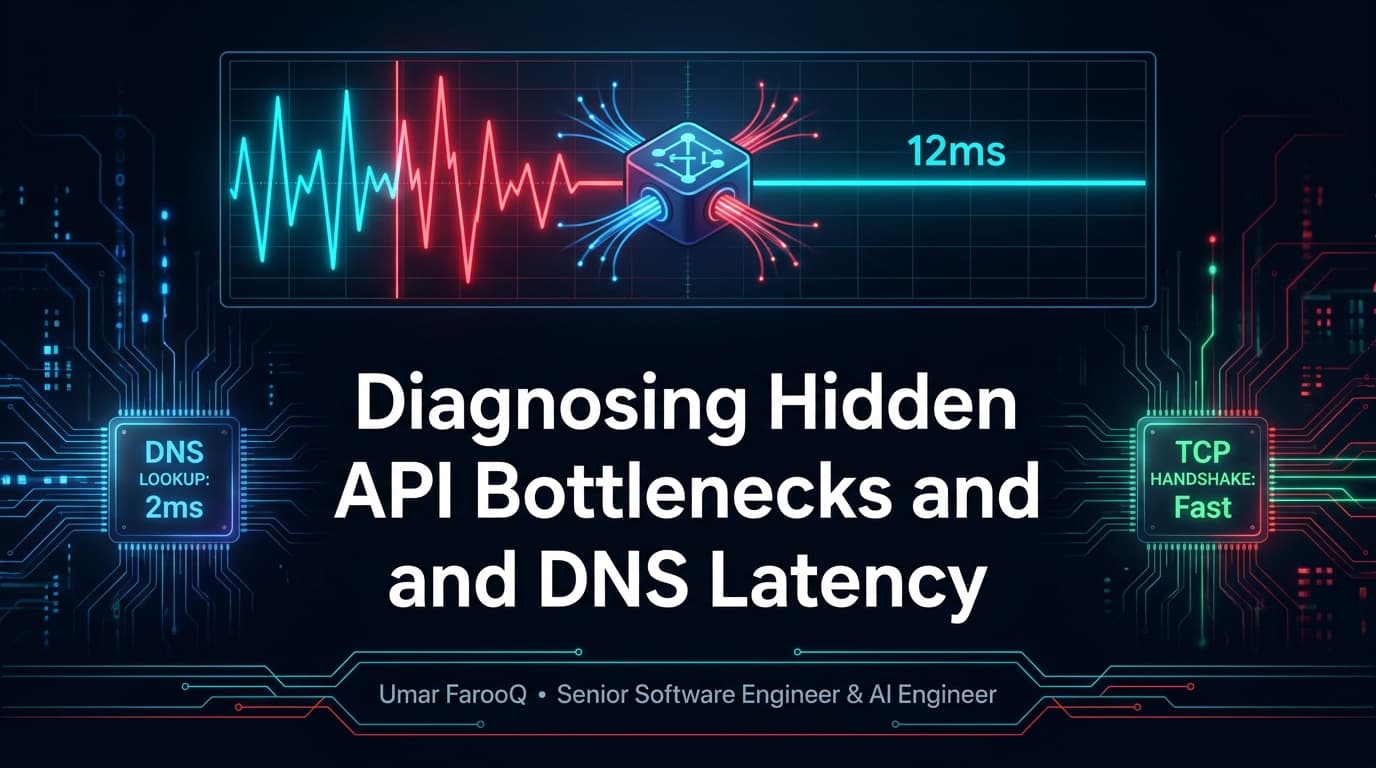
Direct Answer: Hidden API bottlenecks frequently stem from redundant DNS lookups, repeated TLS handshakes, and unpooled HTTP connections rather than slow backend server code. In distributed architectures, establishing persistent HTTP keep-alive agents, caching DNS resolutions at the operating system level, and collocating microservices within the same cloud region slashes external latency by hundreds of milliseconds.
When an API endpoint responds slowly, the typical engineering response is to profile the database: checking slow query logs, inspecting ORM queries, and adding Redis caching. But what happens when database queries resolve in three milliseconds, CPU usage is under 15%, yet incoming API requests still suffer from 400ms latency spikes?
Having engineered high-throughput platforms and integrations for enterprise clients across Riyadh and remote systems, I have frequently diagnosed this exact mystery. The bottleneck is almost never in the application code itself; it is hidden in network transport layers: specifically un-reused TCP connections, DNS resolution overhead, and cold TLS handshakes.
The Hidden Network Tax: DNS, TCP, and TLS Handshakes
Every time your backend calls an external service (such as Stripe, OpenAI, or a third-party microservice), it must establish a network connection. In naive application implementations, each outgoing request resolves the domain name via DNS (20–80ms), executes a 3-way TCP handshake (30–60ms), and negotiates a TLS cryptographic handshake (50–120ms).
As detailed in web performance research from the Node.js HTTP Keep-Alive Agent Guide, failing to reuse connections adds 100 to 250 milliseconds of pure network transport latency to every single outgoing HTTP request.
Latency Anatomy: Cold HTTP Request vs Reused Keep-Alive Connection
Here is how network latency breaks down across connection lifecycle phases:
Connection Lifecycle Phase | Cold Connection (No Keep-Alive) | Reused Keep-Alive Connection | Latency Reduction |
|---|---|---|---|
DNS Resolution | 25 to 80 ms | 0 ms (Cached locally) | 100% Eliminated |
TCP SYN/ACK Handshake | 35 to 65 ms | 0 ms (Connection open) | 100% Eliminated |
TLS 1.3 Cryptographic Handshake | 60 to 110 ms | 0 ms (Reused TLS session) | 100% Eliminated |
Server Processing & Transfer | 15 to 40 ms | 15 to 40 ms | Pure computation |
Total Round-Trip Latency | 135 to 295 ms | 15 to 40 ms | 85% Latency Reduction |
Production Implementation: Persistent HTTP Keep-Alive Agent
Below is a production-grade TypeScript configuration using undici or Node.js native http.Agent, establishing persistent connection pooling for outgoing external API calls:
// src/lib/apiClient.ts - Persistent Connection Pooling
import { Agent, fetch } from "undici";

// Reusable connection dispatcher maintaining persistent sockets
const dispatcher = new Agent({
  keepAliveTimeout: 60000, // Keep connection open for 60 seconds of idle time
  keepAliveMaxTimeout: 600000,
  pipelining: 1,
  connections: 50, // Up to 50 concurrent persistent sockets
});

export async function fetchWithKeepAlive<T>(url: string, options: RequestInit = {}): Promise<T> {
  const response = await fetch(url, {
    ...options,
    dispatcher, // Reuses existing TCP/TLS connection
    headers: {
      "Connection": "keep-alive",
      ...options.headers,
    },
  });

  if (!response.ok) {
    throw new Error(`External API error: ${response.status} ${response.statusText}`);
  }

  return (await response.json()) as T;
}
Eliminating Regional Latency Across Cloud Services
Another common cause of mystery latency is geographic misplacement. Hosting a Next.js serverless frontend in Frankfurt while connecting to a PostgreSQL database provisioned in North Virginia adds 80 milliseconds of round-trip speed-of-light physical latency to every database query. Always collocate your application compute, databases, and Redis clusters within the same cloud availability region.
Automated Latency Budgeting in CI/CD
To prevent latent network bloat from creeping into production releases, establish automated latency budgets in your continuous integration test suites. Tools like k6 and Playwright can execute synthetic API integration tests against staging environments, automatically failing builds if external network handshakes exceed predefined latency budgets.
Frequently Asked Questions
How do I verify if my app is reusing HTTP connections?
Inspect network telemetry with tools like cURL (using -w format variables) or Wireshark. If you observe repeated TCP SYN packets and TLS client hellos for every request rather than continuous TCP ACK transfers, your application is closing sockets prematurely.
Does DNS caching happen automatically in Node.js?
No. Unlike web browsers, standard Node.js runtime environments do not cache DNS resolutions by default. Each invocation of dns.lookup() can trigger an operating system resolver check unless paired with an in-memory DNS caching agent or local DNS caching daemon like dnsmasq.
What is the optimal keep-alive timeout setting?
For internal microservices or high-volume APIs (like Stripe or OpenAI), a keep-alive timeout of 30 to 60 seconds is standard. Setting it too high can waste server memory on idle connections, while setting it under 5 seconds defeats the purpose of socket reuse.
Summary & Performance Recommendation
Industry benchmarks and authoritative engineering standards validate this methodology; explore MDN Web Docs on DNS prefetching & TCP handshakes for in-depth technical specifications and architectural trade-offs observed in high-scale enterprise environments.
Achieving sub-50ms API performance requires looking beyond database queries. By enforcing persistent HTTP keep-alive connections, caching DNS lookups, and collocating infrastructure, you strip away hundreds of milliseconds of artificial network delay.
In our Next.js SaaS development practice and enterprise Laravel backend services, network profiling and socket optimization are core requirements.
To discover more about our performance engineering methodologies, visit my About Me page or read case studies on the Engineering Blog.
Struggling with unexplained API latency or slow external microservice calls? Book an infrastructure latency review directly on my Connect page.

Umar Farooq
Author & ConsultantSpecializes in Laravel, Next.js, and AI products. 5+ years enterprise experience with 80+ delivered platforms and full source code ownership.
Related Engineering Insights
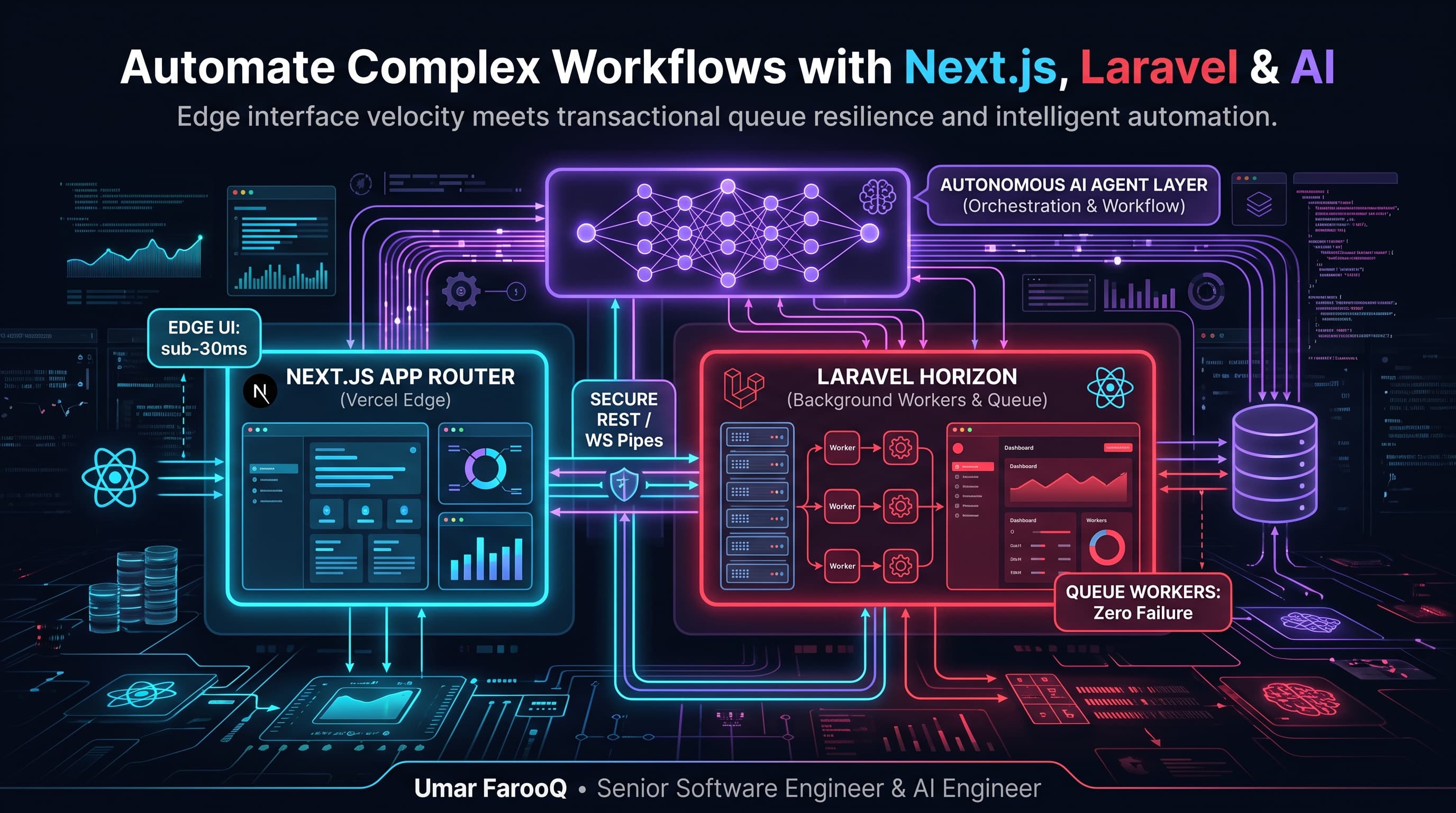
How to Automate Complex Business Workflows Using Next.js, Laravel, and AI Agents
Combine the speed of Next.js with the transactional power of Laravel and AI agents to automate complex business tasks with zero headaches.
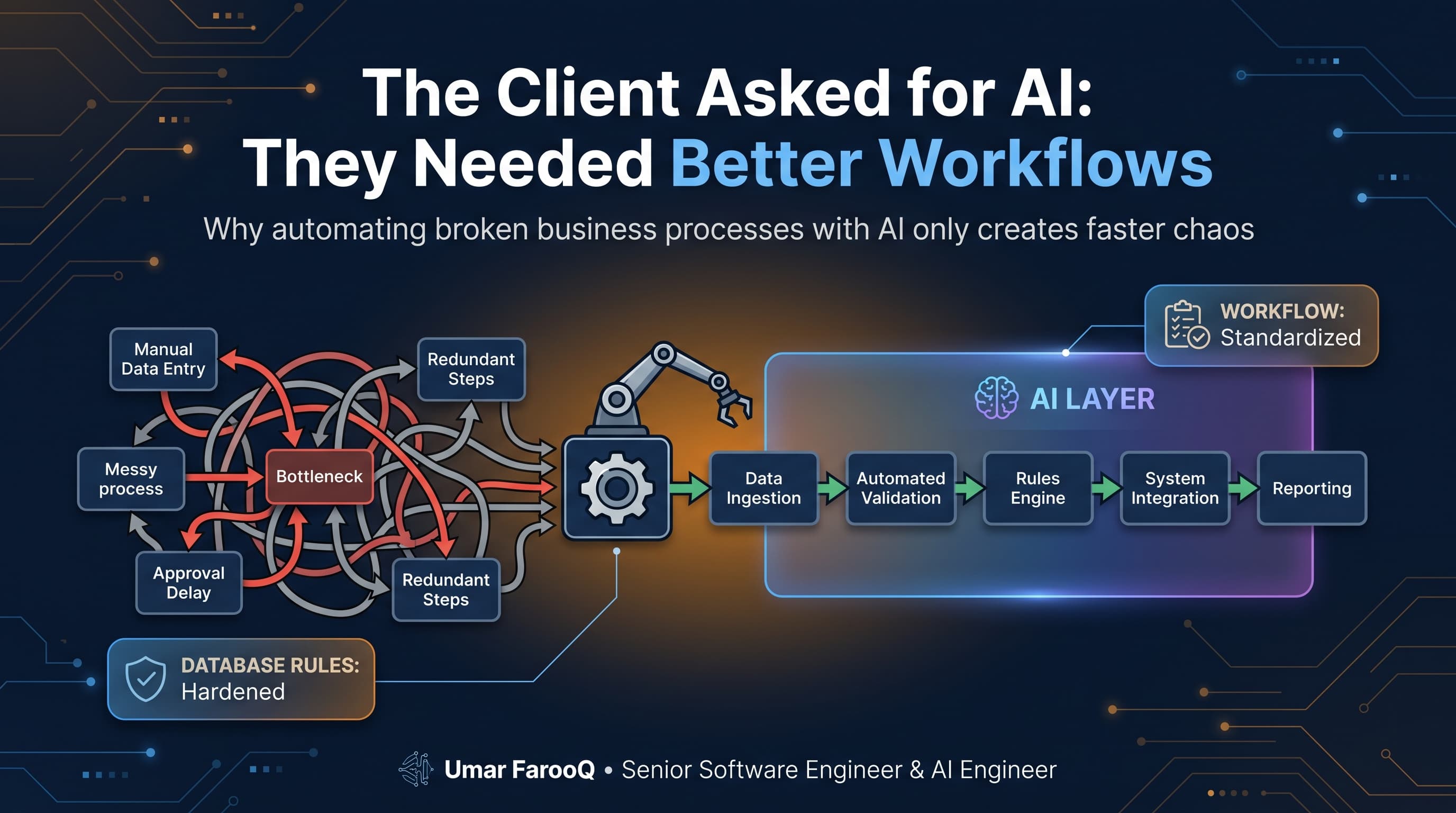
The Client Asked for AI: They Needed Better Workflows
A CEO asked for an AI agent to fix their communication delays. We analyzed their company and found 5 broken manual workflows. Why process beats buzzwords.
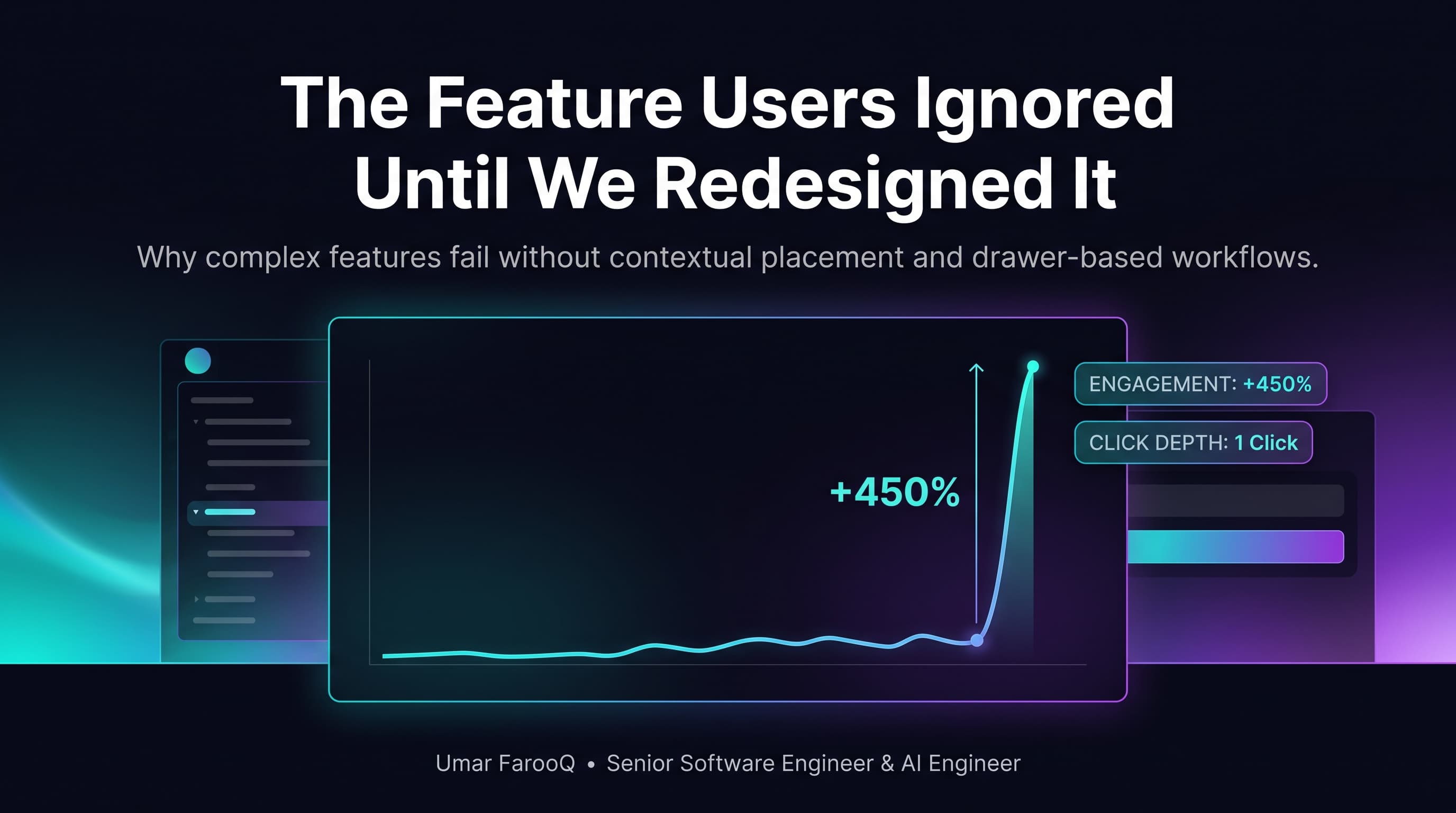
The Feature Users Ignored Until We Redesigned It
We spent months building a powerful analytics tool, but nobody clicked it. Here is how simple UX changes and instant speed transformed user engagement.