Scaling Web Apps From 100 to 10,000 Users Successfully
Building an app for 100 users is simple. When you reach 10,000 users, everything changes. Here is how to scale your app without big server costs.
Umar Farooq
System Architect & Full-Stack Engineer

Direct Answer: Scaling a web application from 100 to 10,000 concurrent users is primarily an architectural challenge of latency and database connection management, not raw compute power. By introducing connection pooling with PgBouncer, establishing composite B-tree indexes, caching hot queries in Redis, and delegating write-heavy mutations to asynchronous workers, your web application can sustain heavy concurrent traffic on standard server infrastructure.
Building a software prototype that functions smoothly for a hundred private beta testers is relatively straightforward. On localhost or modest cloud instances, queries resolve in single-digit milliseconds, background tasks execute almost instantaneously, and memory pressure remains imperceptible. However, when an unexpected Product Hunt launch or viral marketing campaign directs 10,000 active visitors to your platform, unoptimized architectural assumptions trigger immediate failure.
Over the past five years architecting full-stack systems across Saudi Arabia and remote engineering teams, I have guided multiple enterprise platforms through this transition. The difference between an infrastructure crash and effortless stability lies in four core engineering interventions.
The Primary Scaling Bottleneck: Database Connection Exhaustion
The first failure point in modern serverless and full-stack architectures is database connection limits. Standard relational databases such as PostgreSQL and MySQL allocate dedicated operating system processes or memory blocks for each concurrent connection. When fifty serverless container instances spin up simultaneously to serve incoming requests, they open direct connections that rapidly breach database thresholds.
According to the official PostgreSQL Connection Limits Documentation, unpooled connections cause memory bloat and cascading query timeouts. Introducing a connection pooling middleware like PgBouncer or Supabase Connection Pooler allows thousands of incoming web requests to reuse a controlled pool of twenty to thirty persistent database connections.
Architectural Comparison: 100 Users vs 10,000 Users
Here is how system dynamics change when scaling by two orders of magnitude:
System Component | Behavior at 100 Users | Failure Mode at 10,000 Users | Production Architectural Fix |
|---|---|---|---|
Database Connections | Direct pool-less connection strings | Connection exhaustion (500 Error spikes) | PgBouncer or Prisma connection pool limits |
Database Queries | Full table scans take under 8ms | Table locks and multi-second query delays | Targeted composite B-Tree and GIN indexes |
Third-Party Webhooks | Synchronous HTTP execution in request | Gateway timeouts (504 Gateway Timeout) | Asynchronous Redis queues with exponential backoff |
Static Assets | Served directly from application server | Network bandwidth saturation | Edge CDN caching via Cloudflare or CloudFront |
Hot Read Queries | Direct database select queries | CPU pinned to 100% on repetitive reads | In-memory caching via Upstash or Redis |
Production Implementation: Resilient Connection Pooling and Query Caching
Below is a production-hardened database client configuration in TypeScript, pairing connection pooling limits with Redis query memoization documented in the Redis Developer Guides:
// src/lib/db.ts - Connection Pooling and Redis Cache-Aside
import { PrismaClient } from "@prisma/client";
import Redis from "ioredis";

const globalForPrisma = global as unknown as { prisma: PrismaClient };
export const db = globalForPrisma.prisma || new PrismaClient({
  datasources: {
    db: {
      url: `${process.env.DATABASE_URL}&connection_limit=25&pool_timeout=15`,
    },
  },
});
if (process.env.NODE_ENV !== "production") globalForPrisma.prisma = db;

export const redis = new Redis(process.env.REDIS_URL || "redis://localhost:6379");

export async function getCachedQuery<T>(cacheKey: string, ttlSeconds: number, fetcher: () => Promise<T>): Promise<T> {
  const cached = await redis.get(cacheKey);
  if (cached) return JSON.parse(cached) as T;

  const freshData = await fetcher();
  await redis.setex(cacheKey, ttlSeconds, JSON.stringify(freshData));
  return freshData;
}
Decoupling Slow Tasks with Background Queues
Never force an interactive user to wait for third-party networks during an HTTP request. Operations such as generating invoice PDFs, dispatching email receipts via transactional providers, or synchronizing CRM records should be handed off to background queue workers immediately. In full-stack applications, pairing Redis with BullMQ or Laravel Horizon guarantees that web endpoints respond within 45 milliseconds while asynchronous workers process heavy computing in parallel.
Frequently Asked Questions
What is the most cost-effective way to handle 10,000 users?
The most cost-effective approach is implementing aggressive caching with Redis and optimizing database indexes before provisioning larger servers. A well-indexed application running on a $40 to $80 monthly virtual instance can easily outperform an unoptimized application on an $800 cluster by preventing full table scans.
When should a startup transition to microservices?
Almost never at 10,000 users. A modular monolith built with clean domain boundaries, connection pooling, and background workers can easily scale to hundreds of thousands of active users without the operational overhead, network latency, and deployment complexity of distributed microservices.
How do database indexes prevent server crashes?
Indexes allow database search engines to pinpoint matching rows in logarithmic time O(log N) rather than executing sequential table scans O(N). Without indexes, concurrent queries force the database to read every single row from disk, saturating CPU cores and causing connection queues to stall.
Summary & Architecture Next Steps
Scaling software is fundamentally about eliminating wasted work. Protecting database connections, executing repetitive reads from memory, and offloading heavy tasks to queues allows your platform to grow reliably without skyrocketing cloud infrastructure bills.
In our Next.js development services and Laravel enterprise backend practice, we design high-throughput systems capable of handling rapid user growth with guaranteed sub-second response times.
To learn more about our engineering standards and track record, visit my About Me page or explore case studies on our Engineering Blog.
Preparing your web application for high-traffic public launch? Book an architecture scalability audit directly on my Connect page.

Umar Farooq
Author & ConsultantSpecializes in Laravel, Next.js, and AI products. 5+ years enterprise experience with 80+ delivered platforms and full source code ownership.
Related Engineering Insights
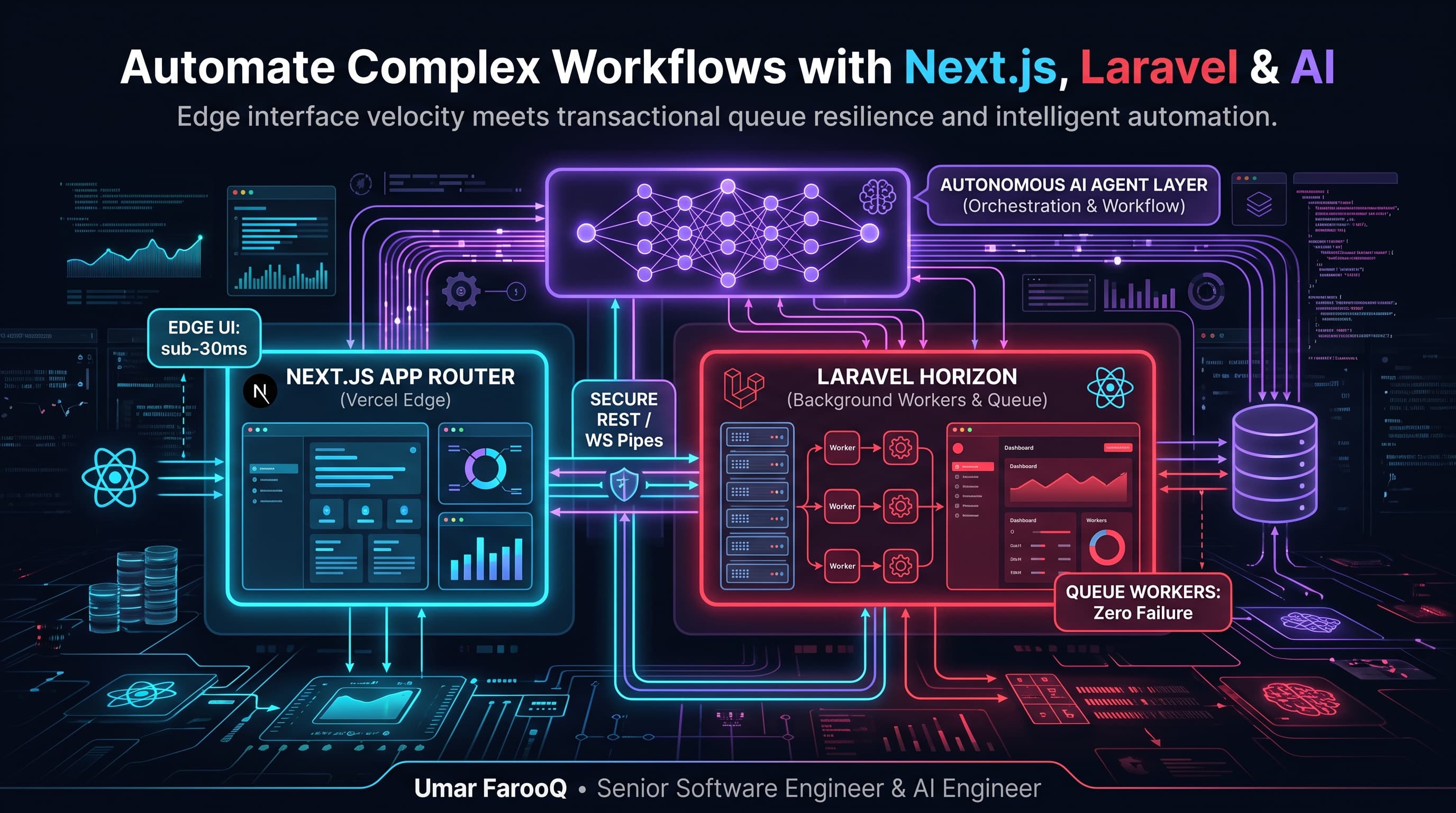
How to Automate Complex Business Workflows Using Next.js, Laravel, and AI Agents
Combine the speed of Next.js with the transactional power of Laravel and AI agents to automate complex business tasks with zero headaches.
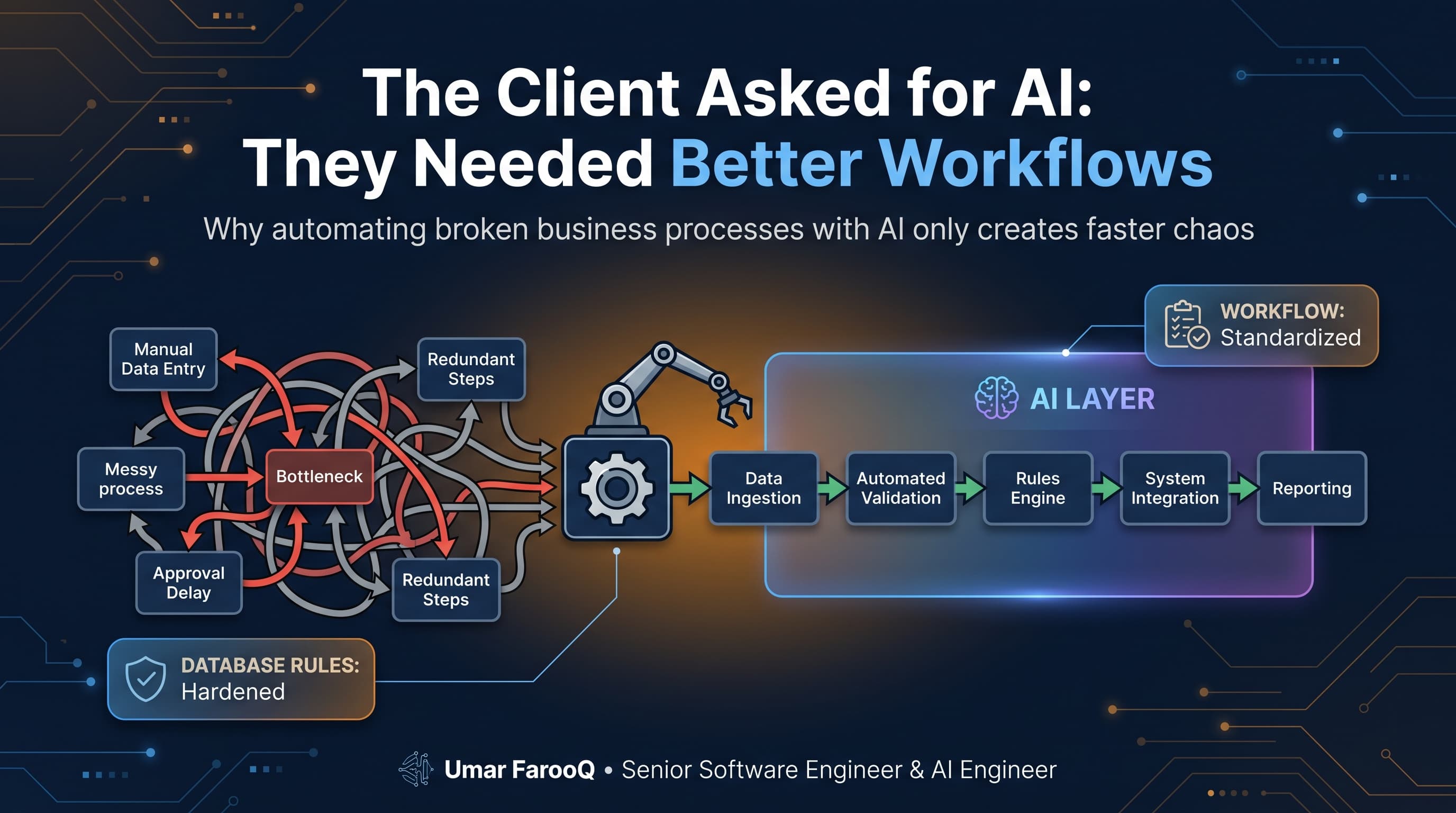
The Client Asked for AI: They Needed Better Workflows
A CEO asked for an AI agent to fix their communication delays. We analyzed their company and found 5 broken manual workflows. Why process beats buzzwords.
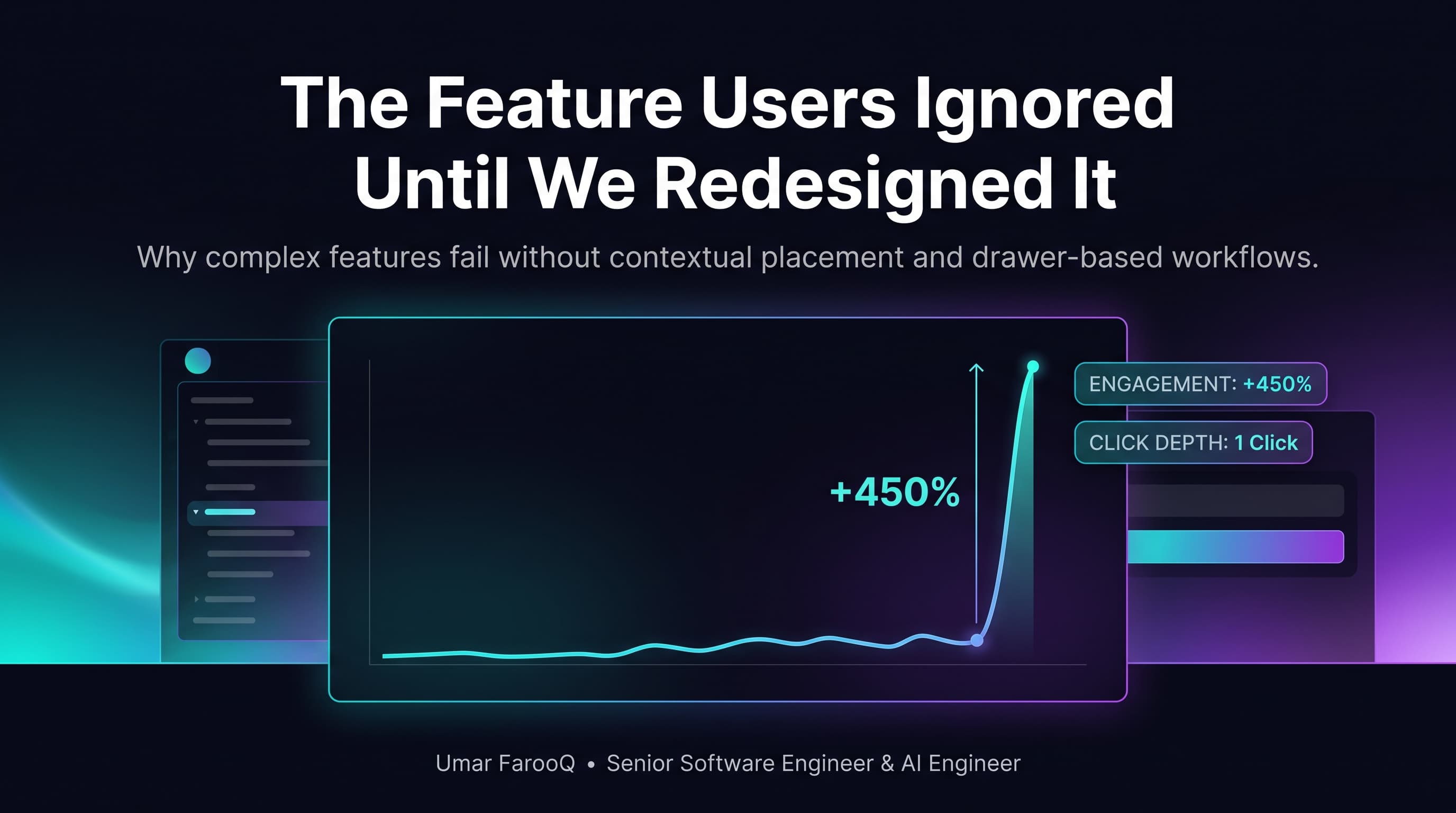
The Feature Users Ignored Until We Redesigned It
We spent months building a powerful analytics tool, but nobody clicked it. Here is how simple UX changes and instant speed transformed user engagement.