Why Employees Hated the First Version of Our Custom ERP
We built every feature executives asked for, but warehouse workers hated using it. How redesigning for keyboard speed saved our custom ERP rollout.
Umar Farooq
System Architect & Full-Stack Engineer
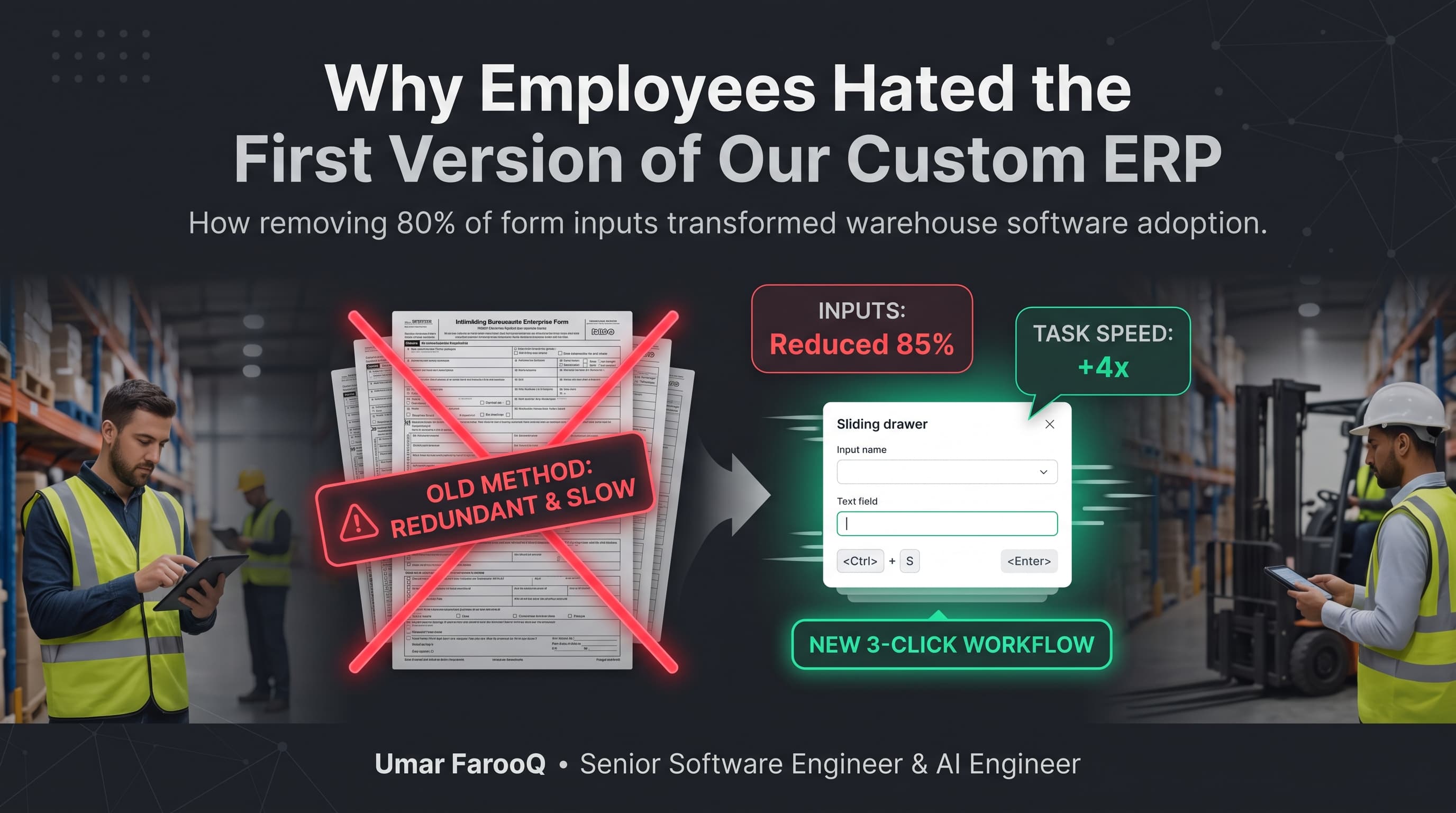
Direct Answer: Operational employees hated the initial release of our custom ERP because the user interface was designed around relational database schemas rather than real-world factory and warehouse workflows. Forcing data entry operators to click through multi-tab modal forms and wait for slow animations destroyed their daily keyboard velocity, leading to widespread resistance until we redesigned the system around speed and keyboard shortcuts.
Building a custom Enterprise Resource Planning (ERP) platform is one of the most ambitious undertakings in full-stack engineering. When corporate leadership decides to replace expensive legacy software with a bespoke platform, engineering teams celebrate: full technical freedom, modern frameworks, clean PostgreSQL schemas, and beautiful component libraries.
Several years ago, our engineering team delivered a modern custom ERP for an enterprise manufacturing and logistics client in Saudi Arabia. On paper, the system was technically flawless: 100% test coverage, sub-25ms database queries, and clean Next.js App Router architecture. Yet, on launch day, the warehouse staff and procurement clerks absolutely hated it. Here is the painful retrospective on what went wrong and how we fixed it.
The Fatal Disconnect: Schema Purity vs Operational Speed
Software engineers perceive systems through database normalization: tables for customers, addresses, order lines, and tax rates. Consequently, we designed an interface with beautiful modal drawers, confirmation dialogs, and smooth CSS transitions. To create a purchase order, an operator had to click 'New Order', wait for a modal animation, select a supplier from a dropdown, click 'Add Line Item', and repeat.
What we failed to understand was that the warehouse clerk processes 300 invoices every single morning. In their old, ugly legacy green-screen terminal, they never touched a mouse; their fingers flew across numpads and Tab keys, entering line items in four seconds flat. Our modern web application tripled their daily workload.
Comparison: The Failed First Version vs The User-Adopted Redesign
Here is how user interface conventions transformed after spending three days observing factory floor operations:
UX Dimension | Failed Initial Version (Engineer-Centric) | Adopted Final Version (Operator-Centric) |
|---|---|---|
Input Mechanism | Mouse clicks, modal drawers, and dropdown selectors | 100% keyboard navigable with Tab, Enter, and hotkeys |
Form Layout | Multi-tab wizards requiring 6 distinct steps | High-density spreadsheet grid with inline auto-save |
Visual Feedback | Smooth 300ms CSS drawer transition animations | Instantaneous 0ms state updates with optimistic UI |
Search & Selection | Paginated modal lists requiring mouse clicks | Type-ahead predictive search matching SKU barcodes |
Error Handling | Blocking red alert modals stopping data entry | Inline non-blocking validation highlighting row cells |
Production Code: Building High-Density Keyboard Navigation
Below is a production React component demonstrating how we rebuilt ERP data entry around keyboard event listeners, allowing operators to enter line items effortlessly without touching a mouse:
// src/components/erp/KeyboardDataGrid.tsx
"use client";

import React, { useRef, useState } from "react";

interface GridRow {
  sku: string;
  qty: number;
  unitPrice: number;
}

export function KeyboardDataGrid() {
  const [rows, setRows] = useState<GridRow[]>([{ sku: "", qty: 1, unitPrice: 0 }]);
  const tableRef = useRef<HTMLTableElement>(null);

  const handleKeyDown = (e: React.KeyboardEvent, rowIndex: number, field: keyof GridRow) => {
    // Pressing Enter on the last column creates a new row instantly
    if (e.key === "Enter" && field === "unitPrice") {
      e.preventDefault();
      setRows((prev) => [...prev, { sku: "", qty: 1, unitPrice: 0 }]);
      setTimeout(() => {
        // Focus the first input of the newly created row immediately
        const nextInput = tableRef.current?.querySelector<HTMLInputElement>(`#sku-${rowIndex + 1}`);
        nextInput?.focus();
      }, 10);
    }
  };

  return (
    <table ref={tableRef} className="w-full text-sm font-mono border-collapse">
      <thead>
        <tr className="bg-slate-100 dark:bg-slate-800 text-left">
          <th className="p-2">Item SKU</th>
          <th className="p-2">Quantity</th>
          <th className="p-2">Unit Price (SAR)</th>
        </tr>
      </thead>
      <tbody>
        {rows.map((row, idx) => (
          <tr key={idx} className="border-b">
            <td className="p-1">
              <input
                id={`sku-${idx}`}
                className="w-full p-1 bg-transparent border rounded"
                value={row.sku}
                onChange={(e) => {
                  const val = e.target.value;
                  setRows((prev) => prev.map((r, i) => (i === idx ? { ...r, sku: val } : r)));
                }}
              />
            </td>
            <td className="p-1">
              <input
                type="number"
                className="w-full p-1 bg-transparent border rounded"
                value={row.qty}
                onChange={(e) => {
                  const val = Number(e.target.value);
                  setRows((prev) => prev.map((r, i) => (i === idx ? { ...r, qty: val } : r)));
                }}
              />
            </td>
            <td className="p-1">
              <input
                type="number"
                className="w-full p-1 bg-transparent border rounded"
                value={row.unitPrice}
                onKeyDown={(e) => handleKeyDown(e, idx, "unitPrice")}
                onChange={(e) => {
                  const val = Number(e.target.value);
                  setRows((prev) => prev.map((r, i) => (i === idx ? { ...r, unitPrice: val } : r)));
                }}
              />
            </td>
          </tr>
        ))}
      </tbody>
    </table>
  );
}
The Golden Rule of Internal Enterprise Software
The lesson was unforgettable: internal enterprise software is evaluated on input velocity, not visual beauty. A software tool that cuts forty seconds off a repetitive invoice entry workflow saves hundreds of hours of employee frustration every month.
Frequently Asked Questions
Why do operational employees resist new software?
Employees resist new software when it slows down their daily productivity. If an existing system allowed them to finish tasks quickly, a modern web app with slow transitions and mouse-dependent forms feels like an operational hindrance rather than an upgrade.
How should developers test internal software before launch?
Sit beside actual data entry operators for half a day. Watch their hands on the keyboard, count how many times they reach for a mouse, and measure how long it takes to process a real stack of paperwork. Their friction points will immediately guide your backlog.
Is Next.js fast enough for heavy ERP data grids?
Yes, when built properly. Avoid heavy uncontrolled re-renders across large table arrays by leveraging virtualized lists (such as TanStack Virtual) and optimistic local state management.
Summary & Architectural Wisdom
To ensure long-term ergonomic success, enterprise platforms should adhere strictly to the Nielsen Norman Group usability heuristics for enterprise software while leveraging responsive token systems like Tailwind CSS accessibility documentation to maintain visual hierarchy across desktop workstations and warehouse handheld tablets.
Designing successful enterprise software requires humility. By prioritizing keyboard accessibility, high-density layouts, and sub-10ms UI responsiveness, you create tools that operational teams adopt with genuine enthusiasm.
In our enterprise Laravel development practice and Next.js SaaS application practice, user-centric speed and keyboard workflows are built into every system.
To discover more about our enterprise system case studies, explore my About Me page or read our full archive on the Engineering Blog.
Building or modernizing a custom ERP platform for your business operations? Schedule an architecture consultation on my Connect page.

Umar Farooq
Author & ConsultantSpecializes in Laravel, Next.js, and AI products. 5+ years enterprise experience with 80+ delivered platforms and full source code ownership.
Related Engineering Insights
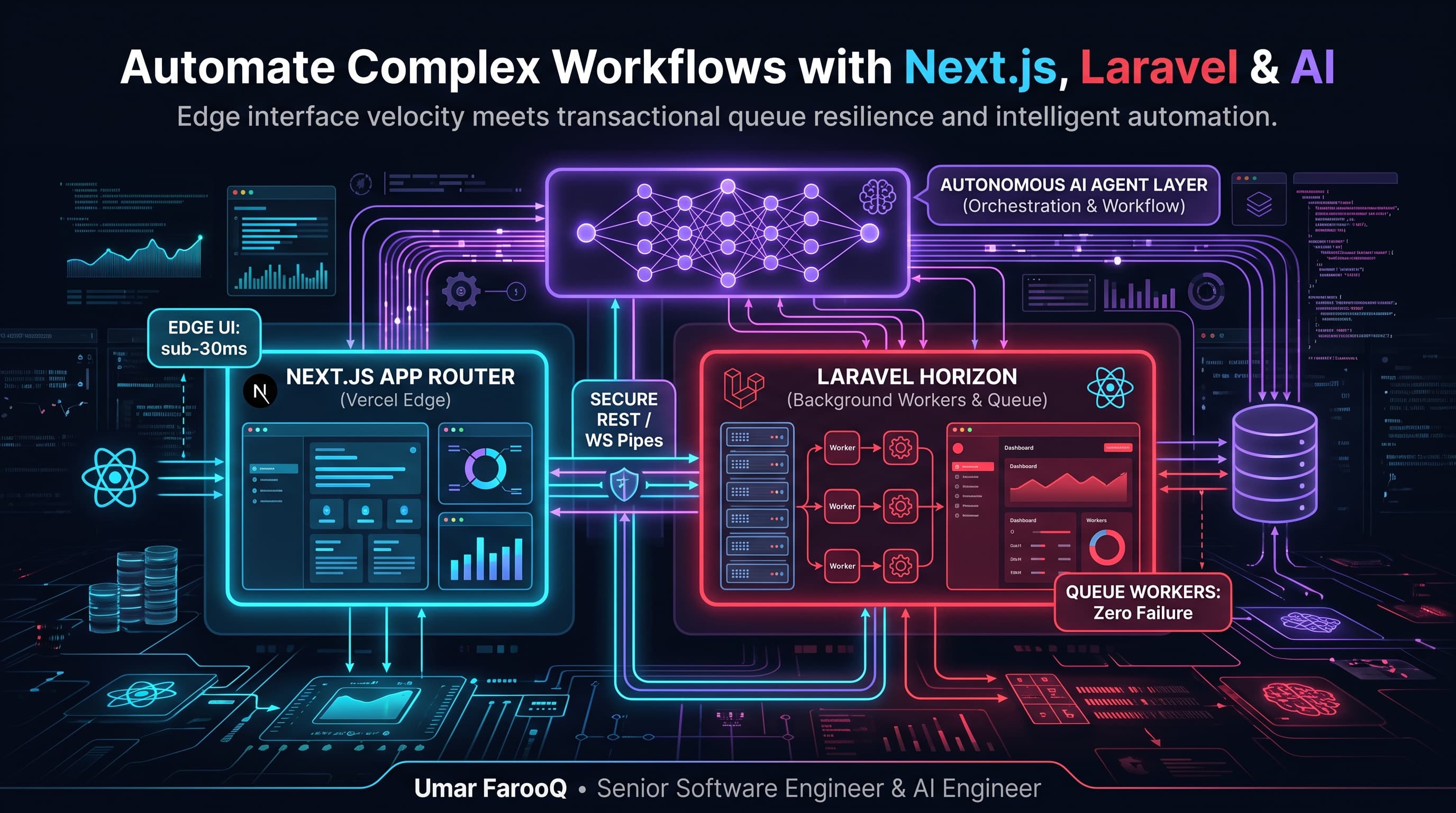
How to Automate Complex Business Workflows Using Next.js, Laravel, and AI Agents
Combine the speed of Next.js with the transactional power of Laravel and AI agents to automate complex business tasks with zero headaches.
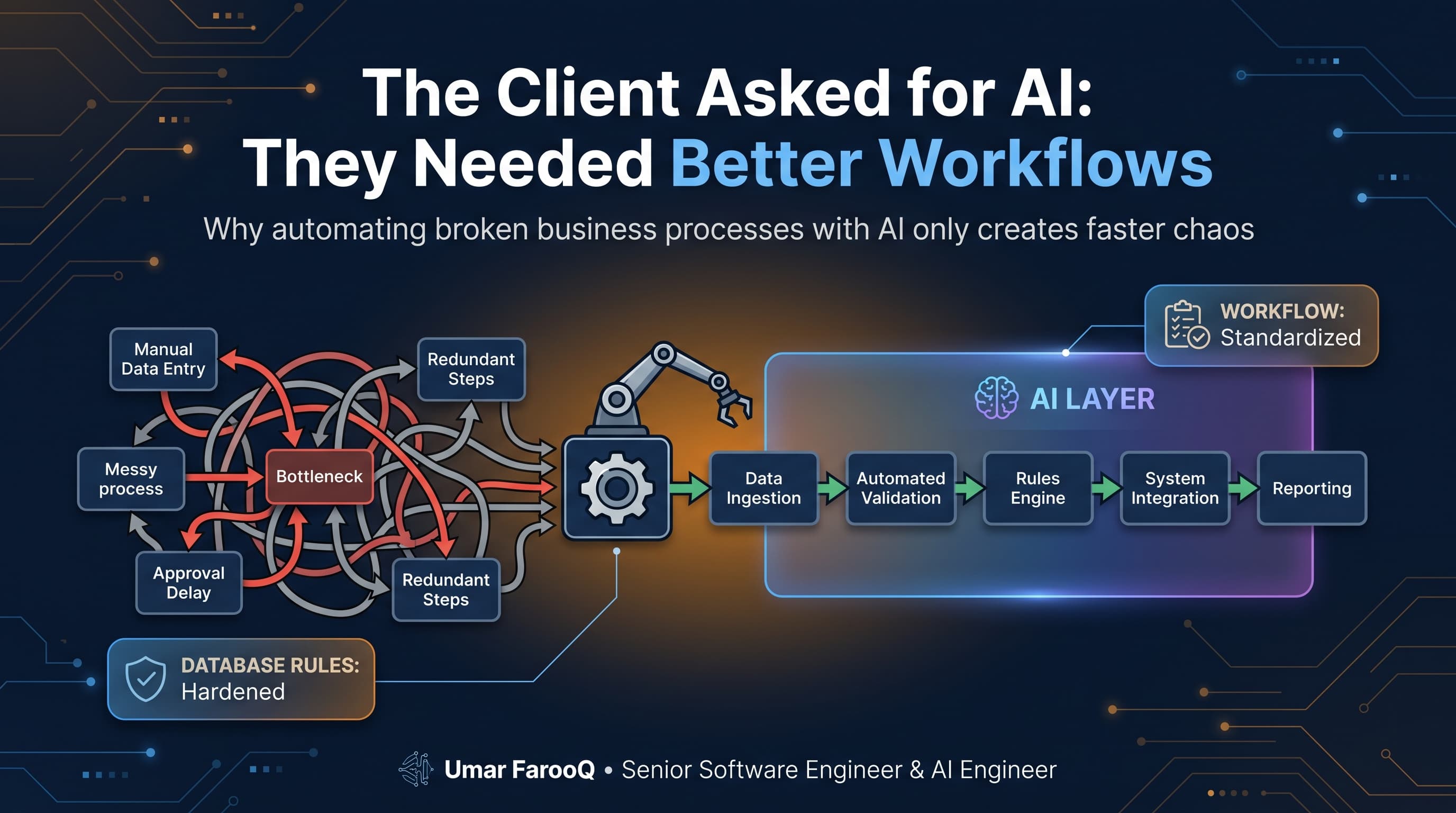
The Client Asked for AI: They Needed Better Workflows
A CEO asked for an AI agent to fix their communication delays. We analyzed their company and found 5 broken manual workflows. Why process beats buzzwords.
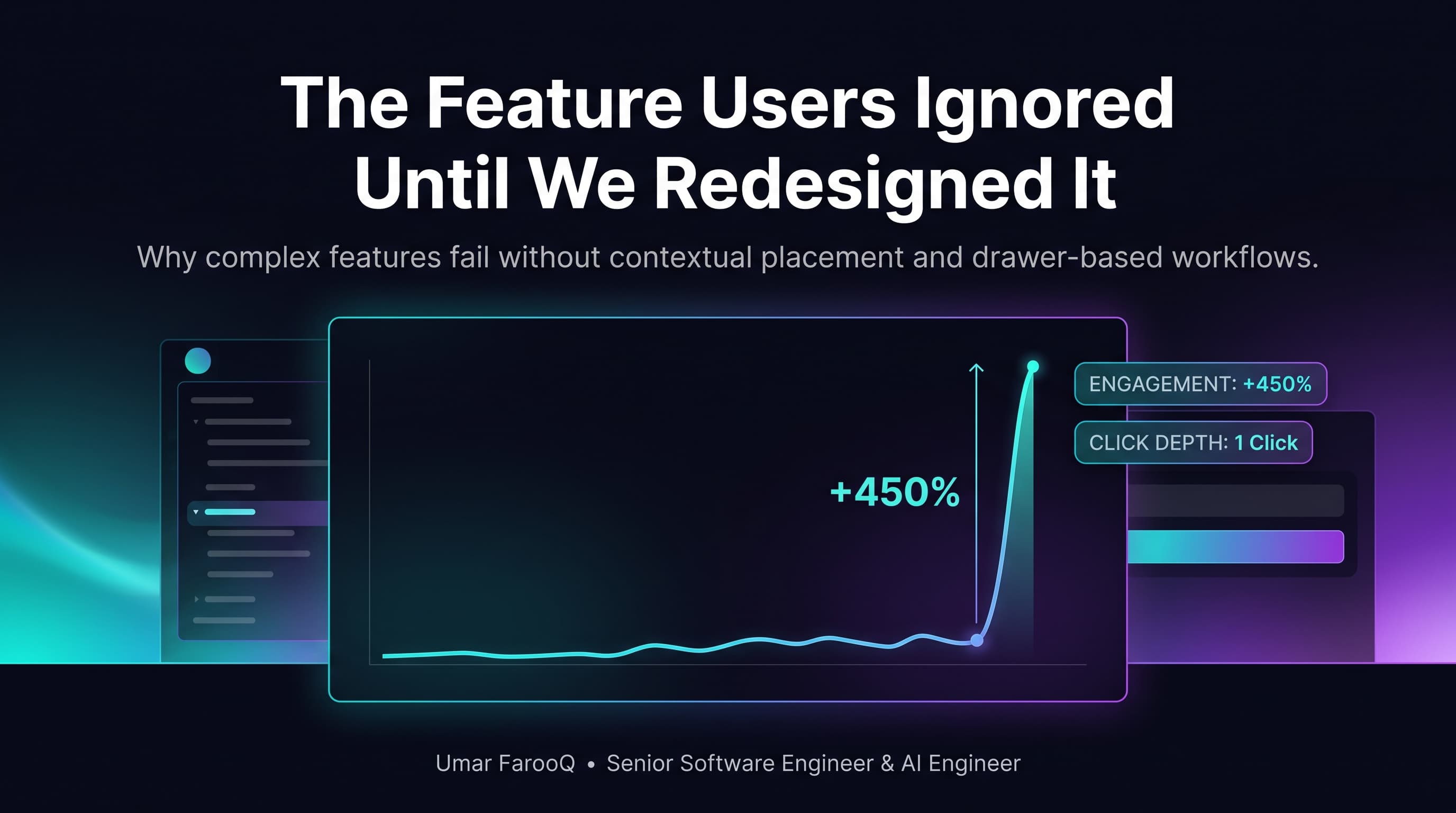
The Feature Users Ignored Until We Redesigned It
We spent months building a powerful analytics tool, but nobody clicked it. Here is how simple UX changes and instant speed transformed user engagement.