Cursor vs Claude Code: Which Workflow Fits Which Developer?
Is an inline GUI editor like Cursor better than an autonomous terminal agent like Claude Code? Here is a practical comparison based on real full-stack development.
Umar Farooq
System Architect & Full-Stack Engineer
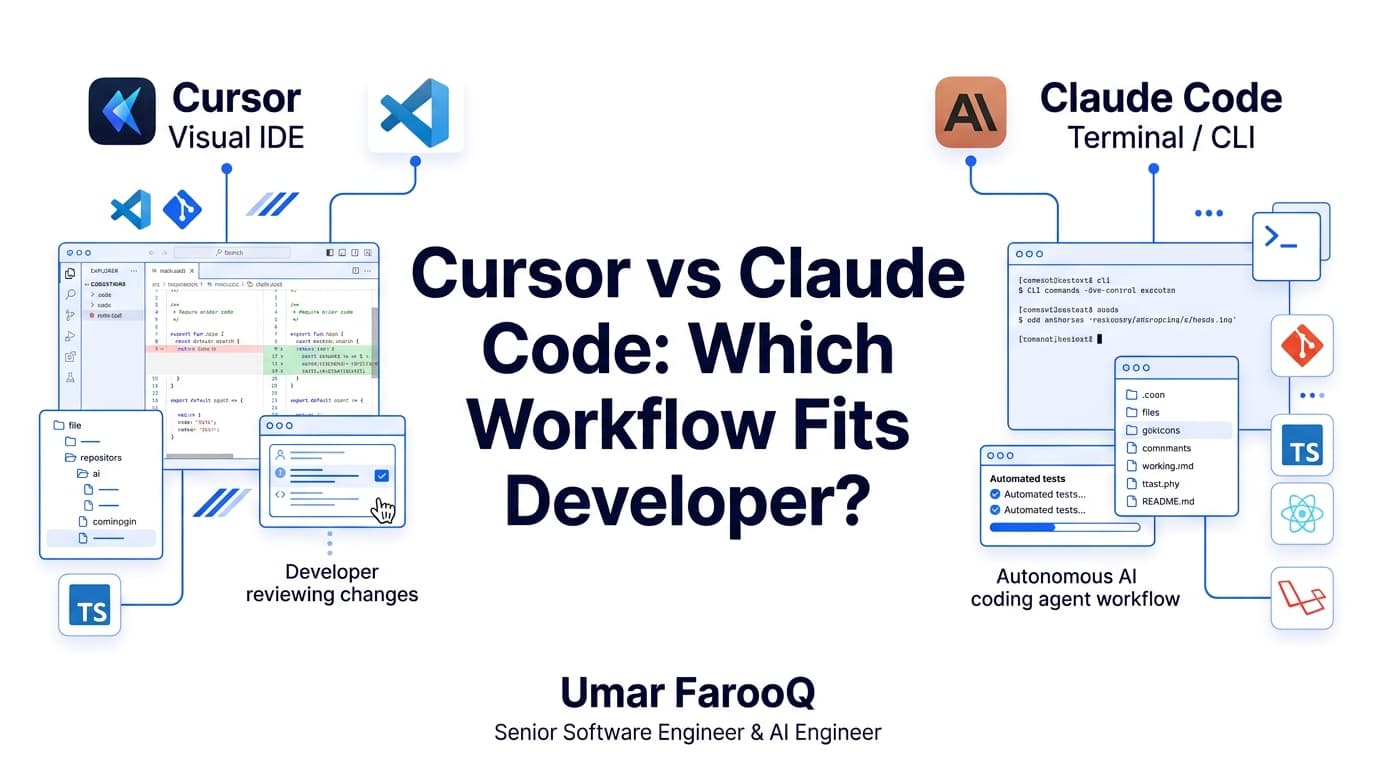
The developer tooling ecosystem is experiencing an unprecedented shift. Simple autocomplete popups have evolved into intelligent coding environments capable of analyzing whole repositories, orchestrating terminal commands, and refactoring complex multi-file modules in seconds.
Two tools currently lead this transformation, representing two fundamentally different engineering philosophies: Cursor, an integrated visual editor fork of VS Code, and Claude Code, Anthropic's autonomous terminal agent. Having integrated both into commercial development workflows across enterprise client systems, I have tested their strengths and limitations in real production environments.
Cursor is a flight cockpit that keeps human hands firmly on the controls with visual confirmation. Claude Code is an autonomous co-pilot you delegate to in the background while you focus on high-level system architecture.
Understanding Cursor: The Visual Orchestrator
Cursor modifies the editor interface itself. It indexes your entire repository using vector embeddings, allowing you to ask questions about code relationships, apply inline multi-line edits, and review side-by-side git diffs before accepting changes.
According to technical benchmarks in the Cursor Official Documentation, its primary engineering advantages include:
Granular Visual Control: You see every modified line highlighted in green and red directly within your editor window, making accidental deletions almost impossible.
Frontend and UI Styling Speed: When tweaking Tailwind CSS classes, responsive grids, and React component props, immediate visual feedback in the IDE is unmatched.
Zero Terminal Overhead: Developers who prefer graphical interfaces never have to leave their primary coding window to generate components.
Understanding Claude Code: The Autonomous Terminal Specialist
Claude Code takes a completely different approach. Operating directly from your command-line interface, it functions as an autonomous terminal agent as detailed in the Anthropic Claude Code Research Documentation. Rather than waiting for you to copy and paste code, it inspects files, runs build scripts, executes tests, and fixes its own mistakes iteratively.
Key engineering strengths of Claude Code include:
Multi-Step Terminal Execution: It can run your test suite with Pest or Jest, read the stack trace of failed assertions, modify the offending files, and re-run the tests until they pass.
Large-Scale Repository Refactoring: Renaming database columns across models, migrations, factories, and API resources is executed systematically across dozens of files simultaneously.
Native Git and Shell Integration: It inspects git status, creates focused branch commits, and checks build outputs without requiring external extensions.
Direct Comparison: Cursor vs Claude Code
Here is an architectural comparison to help you choose the right tool for your specific development style:
Here is a practical look at how developer rules can be enforced in your editor configuration:
# .cursorrules example configuration
# Enforce TypeScript strictness and domain module isolation
rule "strict-domain-boundaries" {
  deny_imports: ["@/features/* from @/features/*"]
  allow_shared: "@/components/ui/*", "@/lib/*"
  prefer_server_actions: true
}
Evaluation Criterion | Cursor (IDE Experience) | Claude Code (Terminal Agent) |
|---|---|---|
Primary Interface | Forked VS Code Graphical Editor | Native Command-Line Shell (CLI) |
Code Review Style | Visual side-by-side inline diffs | Terminal command output and file summaries |
Test & Build Execution | Manual terminal interaction required | Autonomous: runs commands, reads logs, auto-fixes errors |
Best Use Cases | UI design, frontend layout, single-file logic | Backend migrations, deep debugging, test suite fixing |
Context Awareness | Workspace semantic vector index | Targeted file searching via grep, glob, and shell tools |
Developer Personality | Developers who love visual control | Command-line power users who want autonomous delegation |
Token Economics & Cost Profiling
Understanding the pricing dynamics of each tool is essential for managing your monthly development budget effectively:
Cursor Subscription Predictability: Cursor operates on a predictable flat monthly subscription ($20/month for Pro), providing a generous allowance of fast premium model requests. For developers writing code eight hours a day, this flat rate offers exceptional value without unexpected invoice spikes.
Claude Code Pay-Per-Token Consumption: Claude Code charges directly against your Anthropic API console per token consumed. If you instruct Claude Code to inspect an entire repository without configuring ignore rules, scanning build artifacts and package dependencies can consume several dollars in a single debugging session.
Context Window Best Practice: Always ensure your .claudeignore and .gitignore files explicitly exclude .next, node_modules, dist, and log directories before running autonomous terminal sessions.
How I Combine Both in Production Workflows
In my daily engineering practice at MSN Leathers and client engagements, I do not pick one over the other. I combine them based on task topology:
Architecture and Complex Refactoring: I use Claude Code in the terminal to execute multi-file database migrations, refactor legacy functions, and run automated verification tests.
Frontend Assembly and Feature Implementation: I open Cursor to build React components, review responsive interfaces, and fine-tune user experience flows.
Context Management: Prompt Caching and Precision Scope
The single biggest differentiator between senior engineers and beginners using AI coding tools is context management. Flooding an assistant with your entire codebase degrades output quality through attention dilution.
With Cursor, use targeted mentions (@Files, @Folders, @Docs) to strictly limit context to the two or three files actively involved in the modification. With Claude Code, define concise CLAUDE.md guidelines in your repository root specifying architectural conventions, testing commands, and style rules so the agent stays on track without repetitive prompting.
Frequently Asked Questions
Is Cursor better than Claude Code for beginners?
Yes. Cursor provides an intuitive visual interface built directly into VS Code, displaying inline diffs in red and green before applying edits. Claude Code operates autonomously in the terminal, which requires comfortable familiarity with command-line tooling, shell scripting, and multi-file git management.
How do Cursor and Claude Code costs compare?
Cursor charges a predictable flat fee of $20 per month for Pro access, which includes generous premium model requests. Claude Code connects directly to Anthropic's pay-per-token API, which can range from $5 to $50 monthly depending on repository size and prompt caching efficiency.
Can I use Cursor and Claude Code together?
Yes. Many senior full-stack developers pair them seamlessly. Use Claude Code in your terminal to execute autonomous repository refactoring, migration scripts, and test suite fixes, while keeping Cursor open to visually craft UI components, inspect styling, and review atomic code diffs.
Summary & Strategic Takeaway
Neither tool replaces foundational software engineering skills. The developer who understands database normalization, API design, and system architecture will always outperform someone blindly prompting tools without understanding the underlying code.
In our Next.js SaaS engineering services and Laravel backend modernization practice, we leverage these state-of-the-art tools to deliver robust, high-performance platforms at unprecedented speed.
To learn more about my personal development stack and verified credentials, visit my About Me page or explore our full library of technical essays on the Engineering Blog.
Want to accelerate your engineering team's delivery workflow with modern tooling? Book an engineering strategy consultation through my Connect page.

Umar Farooq
Author & ConsultantSpecializes in Laravel, Next.js, and AI products. 5+ years enterprise experience with 80+ delivered platforms and full source code ownership.
Related Engineering Insights
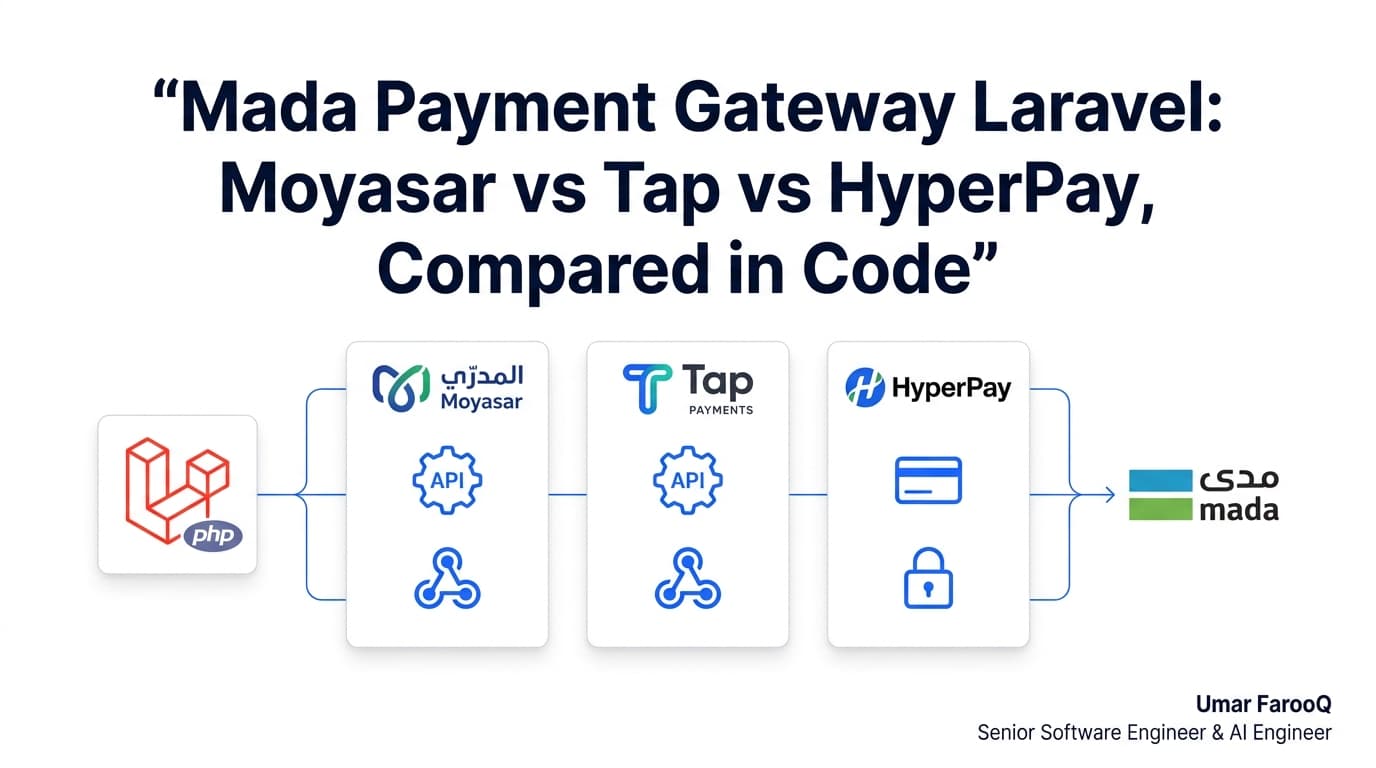
Mada Payment Gateway Laravel Comparison
Mada payment integration in Laravel compared: Moyasar, Tap and HyperPay webhook handling, Apple Pay support and sandbox quality, with production code.
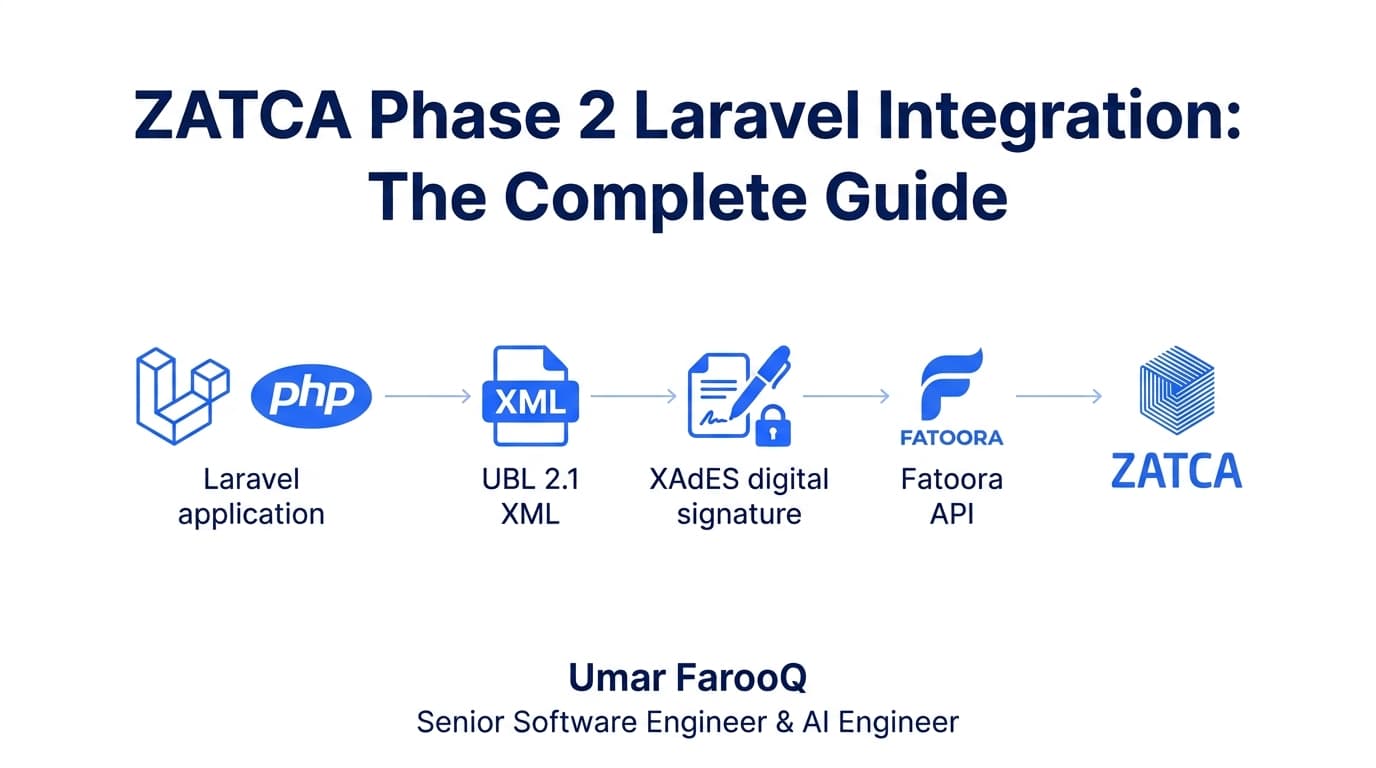
ZATCA Phase 2 Laravel Integration Guide
Master ZATCA Phase 2 e-invoicing in Laravel: clearance vs reporting, CSID onboarding, XAdES signing, and queue-based Fatoora API submission with production code.
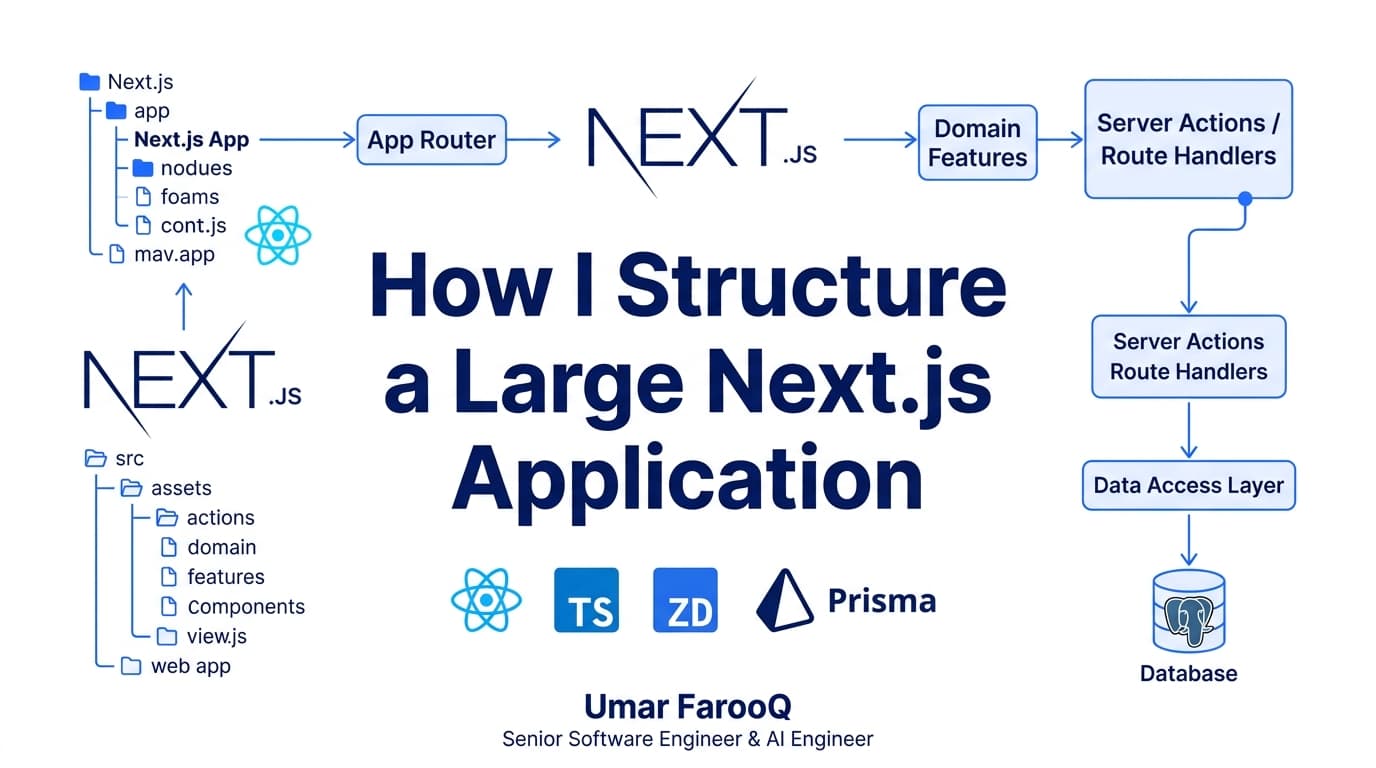
How I Structure a Large Next.js Application
As Next.js applications grow beyond a few pages, messy folder structures create circular dependencies and bloated client bundles. Here is my scalable enterprise architecture.